Walkthroughs, Without Walking

URL to video, tests & guides

1
Enter URL
Paste any website link
2
Enter Prompt
Describe what to show
3
AI Records
AclipA navigates & records
4
Fine-tune
Review & adjust the script
5
Outputs
Video, tests & guides

AclipA lets you prompt AI to script a walkthrough of your website, then turns it into three outputs: a narrated demo video, an automated test, and a step-by-step guide with screenshots. It can then monitor your site for changes and update all three independently.

Get early access before launch

Join the waitlist

Features & Examples

Website to Video

“Show, don’t tell”

Users who understand your product, buy your product!

Research shows that 73% of consumers are more likely to buy a product after watching a product demo video that explains how it works. Making those videos used to take hours. As an AI website video recorder, AclipA creates them in minutes.

Prompt based approach

Describe what you need in a prompt and AI writes the full script for any web based tutorial video, app demo video, onboarding video, training video or any other step-by-step video you require.

Fix what you want, keep what works

In AclipA you have full control over the initial AI generated website demo script: adjust narration, reorder events, tweak every click, mouse move and scroll.

Forget manual recording

AclipA's AI screen recorder navigates your site across multiple pages with automated natural mouse movement. No manual clicking. No browser extensions.

Documentary style narration

Take your SaaS video marketing to next level by adding studio quality AI voiceover to your product demo or app walkthrough. Supports multiple languages.

Your site upgrades — your video updates

AclipA monitors your site and notifies you when the UI changes, so you can approve a new onboarding walkthrough or sales demo with a single click.

Download as MP4 or publish directly to YouTube

Embed an app tour or site tutorial on your landing page to boost SaaS onboarding. AclipA captures in any screen size — desktop or mobile — with logo, custom branding, and subtitles.

Example videos with prompts used:
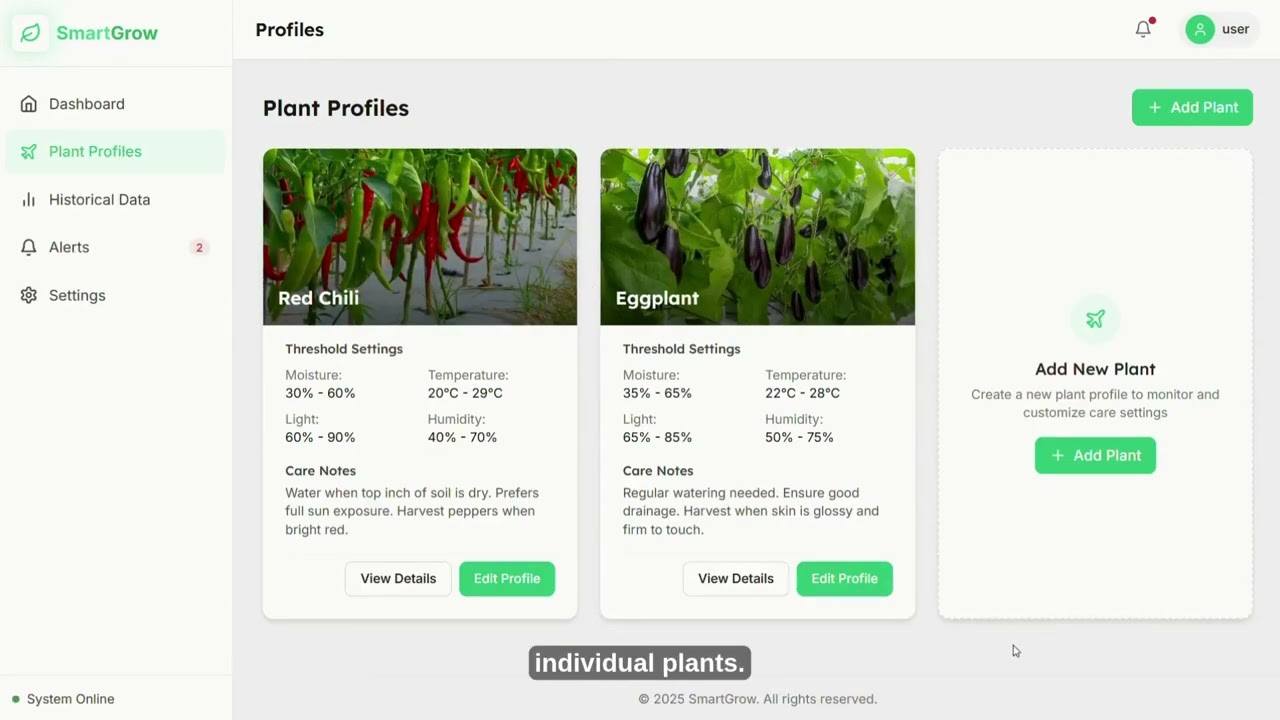
Prompt:

Walk through the pricing page and explain the differences between Free and Pro plans
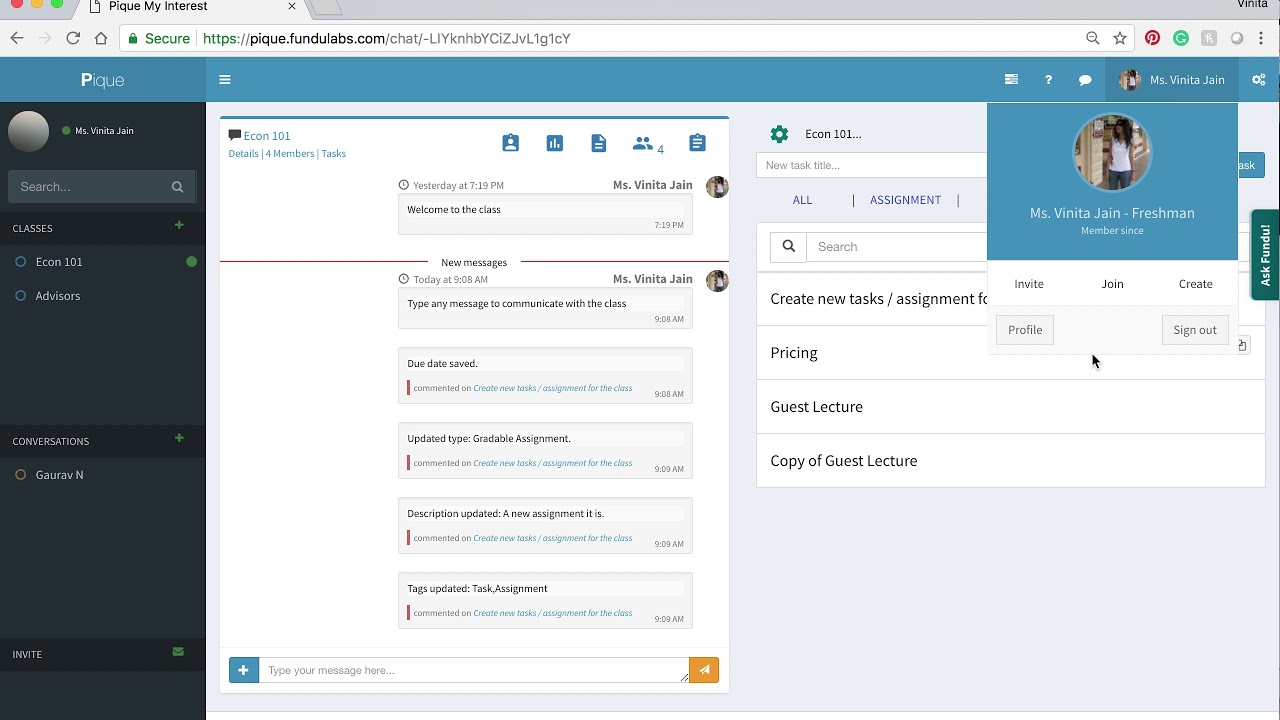
Prompt:

Show how to search for a Productivity app, view its details, and start a chat with it
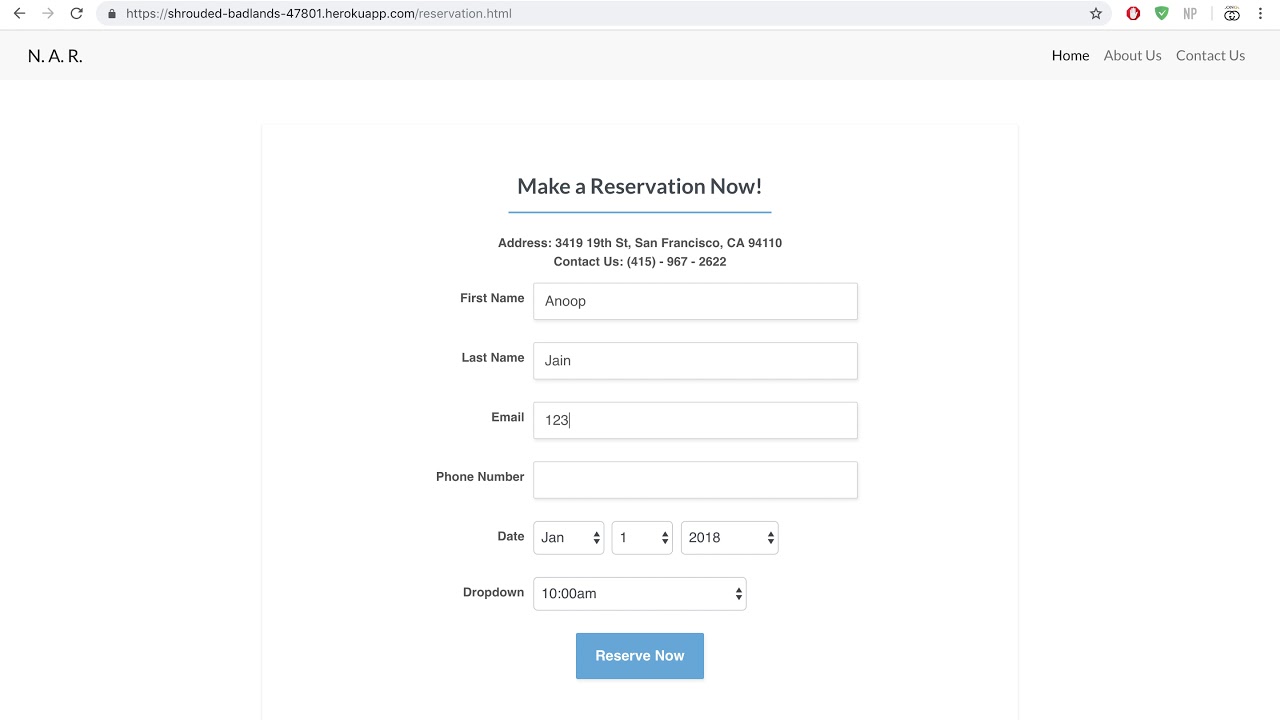
Prompt:

Use the documentation at ReadtheDocs to generate a full features overview

Automated Website Testing

“Forewarned is forearmed”

People buy from websites they trust. People trust websites that work.

One of the worst feelings in SaaS is opening your Friday analytics, seeing conversions off a cliff, and realizing your onboarding flow has been broken since Monday. With AclipA, this feeling is now completely avoidable — the same AI technology that powers our demo video recording tool, can also monitor websites for issues.

Type what to test, AI does the rest

Describe your test scenario in a prompt and AclipA's codeless test automation software runs full end to end testing (e2e testing) across your entire web application — acting as a real website tester.

Refine and schedule

Every AI generated test step is fully editable. Pair it with our synthetic monitoring tool to run the tests on a schedule and find issues before your users do.

Real screen, real mouse, real clicks

AclipA performs website QA testing in a real browser with actual mouse movements and true click events. Both desktop and mobile website testing supported.

Automated visual regression testing

AclipA's automated regression testing software compares every pixel against your approved version. Website change alert notifies you the moment something doesn't match.

Self-healing tests

AclipA features self-healing test automation that adapts when your design changes. Move a button, redesign a page — AclipA finds elements in their new locations.

Video evidence of every error

AclipA's built-in test recorder captures every session on video. Next time a glitch appears, just press play.

AI Step-by-Step Guide Generator

“Some people need it in writing”

Confusion leads to frustration. Frustration leads to competitor’s homepage.

We’ve all been there — troubleshooting a problem, finding the help documentation, and halfway through, the steps stop matching what’s on your screen. With AclipA’s automatic step-by-step guide software, your users keep their patience and you keep them.

Video’s done? One click and the guide is too.

Generate the guide from an existing AclipA demo video or test workflow. Every step our user guide creator makes is fully editable.

Screenshots without browser extensions

AclipA's AI tutorial maker screenshots every click, form fill, and page change and writes the step descriptions accordingly.

Self-updating guides

AclipA's automated documentation software detects interface changes independently and adapts accordingly.

Auto-translate to 36 languages

AclipA's app documentation tool captures the screenshots in the matching languages.

AI SOP generator

Also doubles as SOP software. Point it at your internal tools and get step-by-step instructions back. Build automated onboarding guides for new hires.

Knowledge base & help center integrations

Publish your how-to guides directly to Zendesk, Confluence, Notion, Help Scout. Export as PDF, HTML, or Markdown.

Example guides with prompts used:

Prompt:

Create a step-by-step setup guide for connecting a custom domain

Prompt:

Generate an onboarding guide showing how to create a first project and invite team members

Prompt:

Document the complete billing and subscription management workflow

Get early access before launch

Join the waitlist

FAQ

General

How does AclipA work?

Paste a URL and describe what you want to see — e.g., “walk a new user through creating their first project.” AclipA's AI screen recorder studies your site, then generates a script based on the prompt. You can then choose to go straight to automated recording phase or you can edit the script (e.g. rewrite the narration, reorder steps, add or remove click actions). AclipA can produce three different outputs from one single script:

1. Narrated video — AclipA records the flow with AI-generated voiceover, producing a walkthrough video (e.g., tutorial video, training video, product demo, etc.).
2. Automated testing — the same script can be scheduled to re-run at intervals, testing your site for errors (sometimes called a smoke test or a sanity test). If something breaks, you get an alert with a video of the failure.
3. Step-by-step guide — in addition to video and testing, AclipA can also autonomously generate a written step-by-step guide with corresponding screenshots and instructions.

No other product on the market offers autonomous how-to video recording where AI navigates your website and records everything independently. But AclipA goes beyond just automated screen recording. From one single guide setup, you also get automated testing and step-by-step guides. Right now, companies need to subscribe to three separate products to cover video, testing, and guides. AclipA does all of that in one. And because it can monitor your site for changes, everything stays in sync with your actual product.

Narrated how-to videosdemo videos, tutorial videos, training videos, onboarding walkthroughs, step-by-step videos, feature tours, release update videos.

Automated website tests — smoke tests (sanity tests), visual regression tests (screenshot comparisons), end-to-end tests (e2e tests), scheduled user journey health checks. Every test also produces video evidence of the run.

Step-by-step guides with screenshotsquick start guides, setup guides, SOPs (Standard Operating Procedures), user guides, support articles, help center content, knowledge base articles. All with screenshots at every action and click.

Very soon. AclipA is in the final stages before public launch. Join the waitlist for early access and a founding member discount.

AclipA is for any company with a web-based product — from early-stage SaaS startups that need their first product demo videos and help articles, to enterprise teams that want to automate testing and keep hundreds of guides up to date at all times. If you have a website and you don't have time to re-record tutorials after every release, write guides, and run tests — give AclipA a try — you won't be disappointed.

Website Demo Videos & AI Screen Recording

Yes — AclipA is a Loom alternative (and replaces those other tools too), but fundamentally better. Those other tools require you to manually record yourself clicking through every step and if you make a mistake, you need to start over. With AclipA, you just paste a URL and describe what to show, and AclipA's AI screen recorder does the walkthrough for you. On top of that, it also adds studio-quality AI voice narration for the video — no voiceover work needed.

AclipA takes a different approach. Synthesia and HeyGen generate videos with AI avatars reading a script — talking heads, not product footage. Descript is a video editor. AclipA captures your actual product in action — real clicks, real navigation — and adds narration on top. If you need a step-by-step product demo video of your web-app, not just a narration with AI generated face, AclipA is the better fit.

Yes, AclipA is a better alternative to all three. Guidde, Floik, and Clueso create video guides, but you still have to install a browser extension and then manually record your screen. AclipA's AI navigates your product for you and records automatically — you don't need to click through anything (though we support that approach as well). One prompt gives you a narrated video and a screenshot-based step-by-step guide. And when your product changes, AclipA re-records automatically — no need to manually re-record everything from zero.

Yes. AclipA is screen capture software — an AI screen recorder that captures your website automatically. Traditional screen capture tools require you to click through every page yourself while they record. AclipA's screen capture tool does the clicking for you — every page, every button, every form field gets its own screenshot. You get a narrated video, a step-by-step guide, or both from the same recording.

Paste your URL into AclipA and describe what the tutorial should cover. AclipA's website video recorder navigates your site, records every interaction, and generates a narrated tutorial video. No screen recording software or browser extensions required.

Yes. AclipA is a URL to video tool that works with any website. Paste the URL, describe what to demonstrate, and AclipA produces a narrated video. It handles login flows, multi-page navigation, form submissions, and complex interactions automatically.

Website Test Automation & Monitoring

Yes, AclipA is an alternative to all three — it covers the same core functionality as BrowserStack, Browserling, and Applitools: visual regression testing, end-to-end testing, and automated smoke testing (sanity testing). However, those tools require a lengthy set up process including test scripts, SDK integrations, or manual browser sessions. AclipA skips all of that — write a prompt, and our AI website tester runs the tests for you, and alerts you if any errors come up on your site. Schedule tests to run daily, weekly, or on any custom interval. No code, no SDK — just a URL and a prompt. Need more control? With AclipA, you can also customize every step of our AI generated test manually.

Yes, and AclipA is even better for the everyday end user. Selenium, Playwright, and Cypress are just frameworks — they don't do anything on their own — a developer has to write code and maintain test scripts for those tools to work. With AclipA, anyone can write a prompt describing what to test and our AI test automation software handles the rest. Every AclipA test runs in a real browser and can catch visual issues that code-based frameworks miss. On top of that, every run also produces a full video recording of the test.

AclipA handles three types of automated tests:

Automated regression testing — captures screenshots at every step and compares them against your approved baseline. When something changes, you get notified with a side-by-side comparison showing exactly what's different.

Automated smoke testing (sanity testing) — schedule tests for your most important workflows to run daily, weekly, or after any custom interval. AclipA navigates your site, checks each step, and alerts you when something breaks.

Codeless end-to-end testing — describe your test scenario in a prompt. AclipA runs end-to-end testing (e2e testing) through your site. No scripts to write, no selectors to maintain, no framework to set up.

You can fine-tune any of AclipA's AI generated test step by step. Every test also produces a video recording so you can see exactly what went wrong.

Yes. AclipA doubles as a website monitoring tool — set a schedule and it checks your site automatically. When your UI changes, you get a website change alert with side-by-side screenshots. Choose auto-update mode and AclipA's self-healing test automation handles changes automatically. When a button moves, a label gets renamed, or a layout shifts, AclipA identifies the element in its new location and continues the test. You still get notified about every detected change. Think of it as synthetic monitoring that adapts to your product as it evolves.

Yes. AclipA is an AI test generator built for anyone — product managers, QA analysts, customer success teams, starting SaaS founders. Describe what to test in a prompt. AI navigates your site, runs the test, and produces a video recording with screenshot comparisons. No programming, no test frameworks, no DevOps setup — true codeless test automation. If you can write a sentence, you can create a test.

AI Step-by-Step Guide Generator

Yes, and AclipA is even better than Scribe, Tango, and Guidde. Those tools require you to install a browser extension and then click through every screen yourself while they record your actions. AclipA is an AI tutorial creator that does all of that automatically — you just paste a URL, write a prompt, and AI navigates your product and captures every step as a screenshot and adds written instructions — you can also edit the AI-generated script at any point. Schedule recurring runs and your guides stay up to date automatically when the product changes.

Yes, AclipA is an alternative to all three, but it works very differently. With Trainual and Process Street, you write every SOP by hand. Whatfix creates in-app walkthroughs, but requires SDK integration and only works with enterprise apps. AclipA skips all the manual work — paste a URL, describe the procedure, and AclipA's AI navigates, captures screenshots, and writes the instructions for you. Edit any step of the AI-generated script before publishing. It's SOP software that actually saves you time — automated documentation for any website, and no enterprise lock-in.

Step-by-step guides — detailed walkthroughs with a screenshot at every action (e.g., onboarding guides, user guides, training guides, step-by-step tutorials, demo guides, feature walkthroughs, knowledge base articles).

Quick start guides & setup guides — describe the onboarding flow and AclipA captures every button click, form field, and page transition as a numbered screenshot with instructions.

SOPs (Standard Operating Procedures) — AclipA generates SOPs automatically. Point it at any web-based internal tool, describe the workflow, and AclipA's AI SOP generator creates the entire document with screenshots at every step.

Support articles & help center content — AclipA generates support documentation with screenshots at every step. Publish directly to Zendesk, Confluence, Notion, or Help Scout.

Set any guide to auto-update on a schedule — when your product changes, AclipA recaptures every step so your product documentation stays current.

Yes. Most documentation tools create static guides that go out of date after every product update. AclipA is automated documentation software. Create a guide once and set a schedule. On every scheduled run, AclipA attempts to walk through the same steps again. If a button moved or a label got renamed, AclipA adapts on the fly, identifies the element in its new location, continues the flow, and updates the guide with fresh screenshots (self-healing documentation). You still get notified about every detected change. If the flow breaks completely, AclipA alerts you so you can review what changed.

Zendesk, Confluence, Notion, and Help Scout are documentation platforms where you organize and host your guides — they're the container. AclipA generates the product documentation that goes inside that container. With AclipA you can create step-by-step guides with screenshots, then publish them directly to Zendesk, Confluence, Notion, or Help Scout with one click. No copy-pasting, no manual uploads. AclipA can also independently update your guides when your product changes, and the version on your documentation platform is automatically updated along with it.